
mandalo.it
Send heavy files with Outlook
The mandalo.it Office add-in opens a compose pane: upload to mandalo.it and insert the link into the message body—without leaving Outlook.
Assistenza: info@mandalo.it — risposta entro un giorno lavorativo.
- Office add-in for Outlook (Mailbox 1.1+)
- Install from manifest URL or zip
- Same secure API used by Thunderbird Filelink
The problem we solve
Outlook rejects or bounces attachments over provider limits. With mandalo.it, heavy files become download links: the message stays light, recipients download when they want, with expiry and EU privacy.
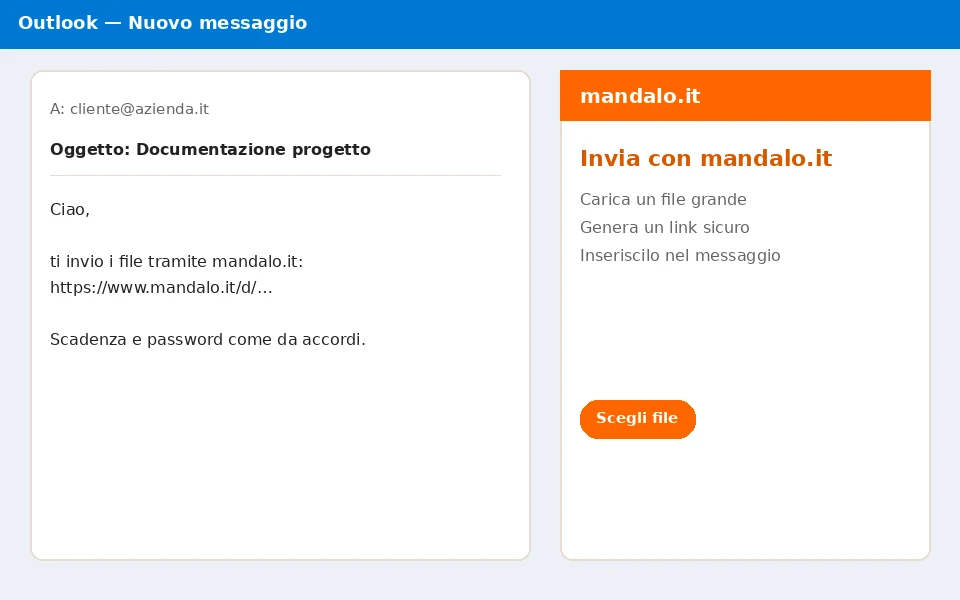
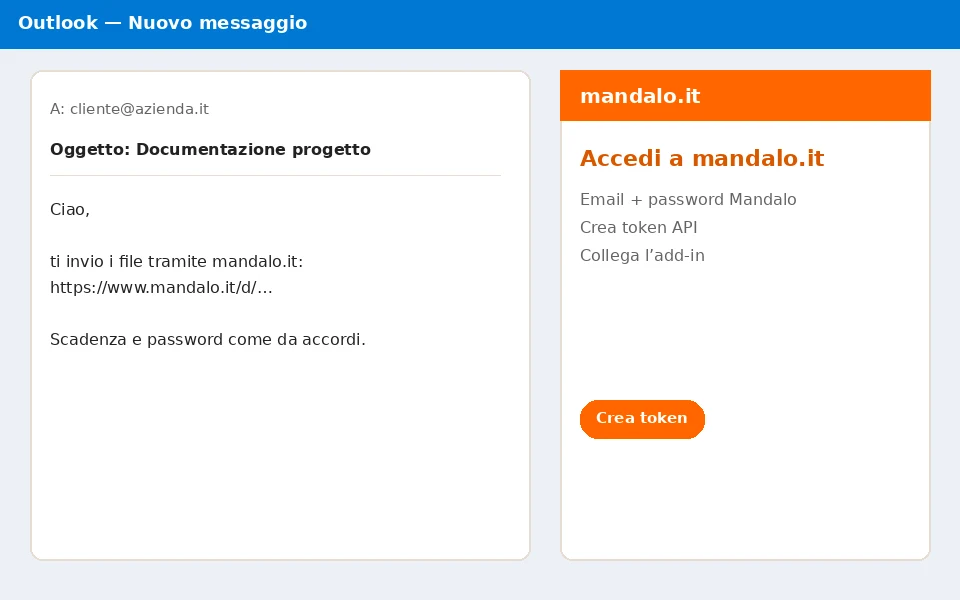
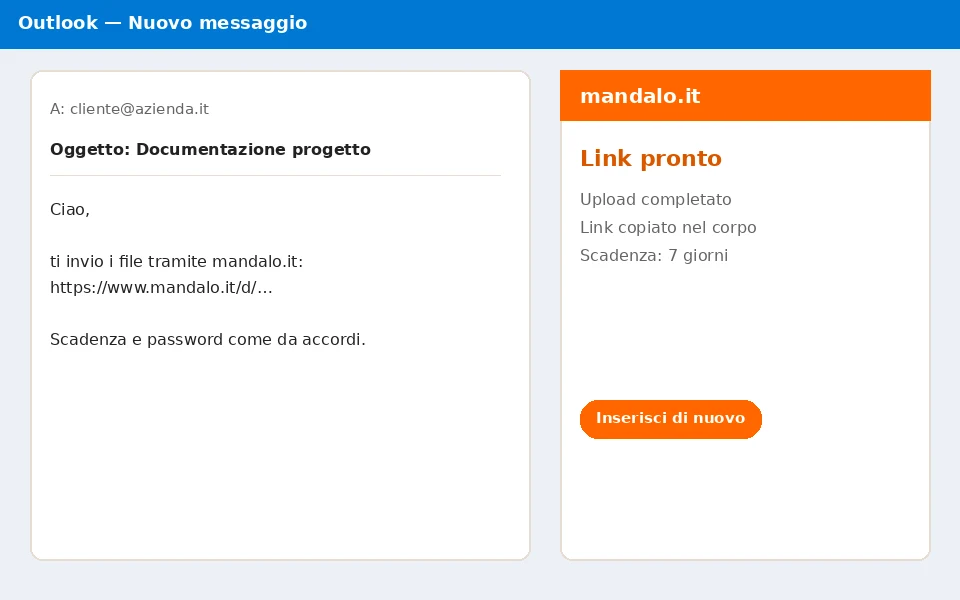
Add-in screenshots
Demo video (~45 seconds)
Flow: install from URL, account token, upload, insert link.
Installation instructions
Install from URL (recommended) or download the zip with the PDF guide.
- Open Outlook → Get Add-ins → My add-ins → Add a custom add-in.
- Choose “Add from URL…” and paste: https://www.mandalo.it/outlook-addin/manifest.xml
- Or download the zip from this page and use “Add from File”.
- Compose a message → Message tab → mandalo.it group → open the pane.
- Sign in with Mandalo email and password to create a token. If you only use Google, set a Mandalo password in Account first.
- Pick a file → Upload and insert into the message → send as usual.
Download integrity
Verify the zip with the SHA-256 below. The add-in is not on Microsoft AppSource yet—authenticity is HTTPS + the hash published on mandalo.it. The live manifest is protected by the site TLS certificate.
Package SHA-256
2a664115ef63c6ff66ceaa3ed7215eba2a59b25124382f76491f0a8d6f687a78
When we publish on AppSource we will list the store signature. Until then prefer installing from https://www.mandalo.it/outlook-addin/manifest.xml.
Frequently asked questions
Does it work with Outlook on the web?
Yes, on Microsoft 365 / Outlook on the web if custom add-ins are allowed (or if you install them in a supported client).
Do I need a Mandalo password even with Google?
Yes. API tokens are created with email + Mandalo password. Set one in Account if you only used Google so far.
Can I use Thunderbird too?
Yes, with the dedicated Filelink extension. See the Thunderbird page.
Is it on Microsoft AppSource?
Not yet. Install from the manifest URL or zip file (sideload).
Italian WeTransfer alternative for Outlook?
Yes: heavy files via link, Italian operator, EU infrastructure. See also the WeTransfer comparison page.