
mandalo.it
Send large files with Thunderbird
With the mandalo.it Filelink add-on, Thunderbird uploads heavy files to our Italian service and inserts a secure link in the message—without hitting attachment limits.
- Native Filelink provider for Thunderbird 128+
- Secure link hosted on EU infrastructure
- Mandalo account: email + password (even if you use Google)
The problem we solve
Email attachments are usually capped at 10–25 MB. With Thunderbird Filelink and mandalo.it, a large attachment is uploaded and replaced with an expiring download link—no bounced mail.
Extension screenshots
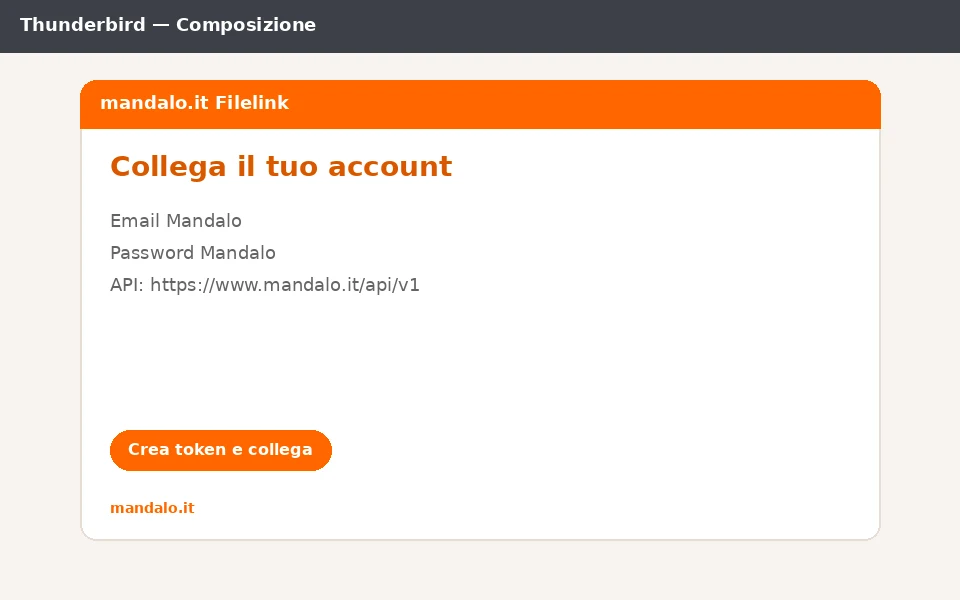
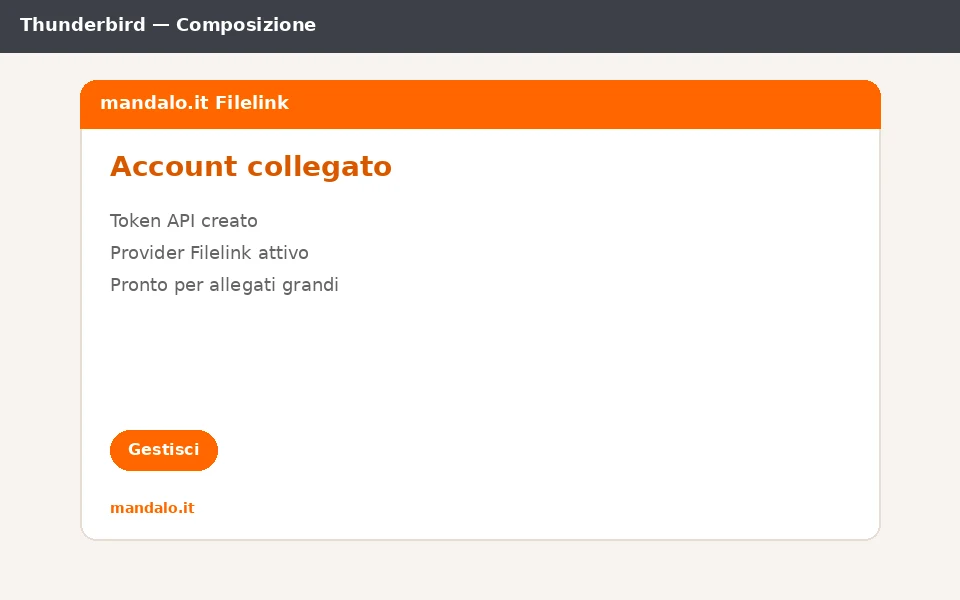
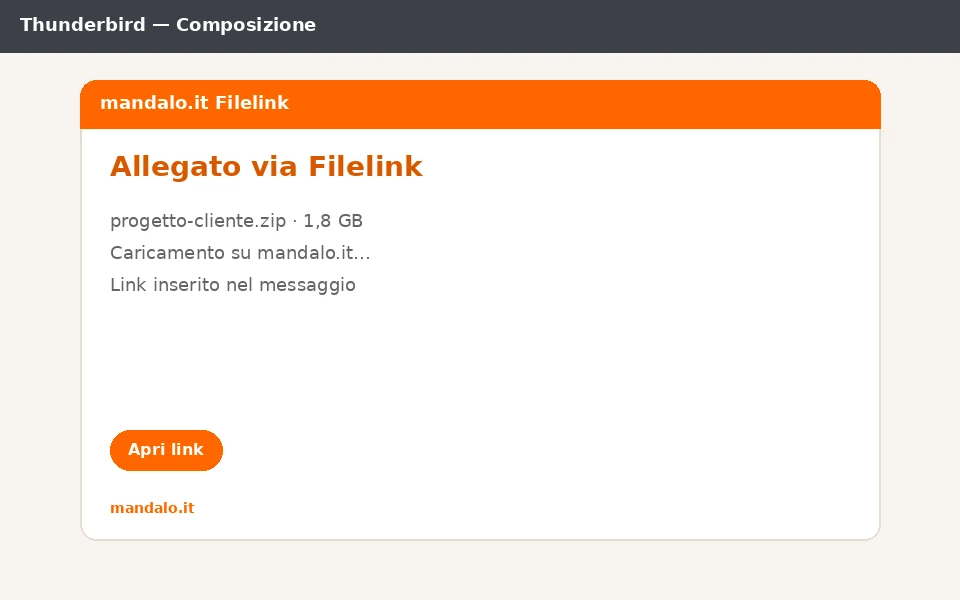
Demo video (~45 seconds)
Flow: temporary install, account link, Filelink attachment, link in the message.
Installation instructions
The zip also includes a PDF guide. Thunderbird still requires loading it as a temporary add-on (not yet on addons.thunderbird.net).
- Download the mandalo Filelink zip from this page (or from Integrations in your account).
- Open Thunderbird ≥ 128 → Add-ons and Themes → ⚙ → Debug Add-ons.
- Choose “Load Temporary Add-on…” and select the zip (or the extracted manifest.json).
- Go to Settings → Composition → Attachments → Add mandalo.it.
- Enter Mandalo email and password → Create token and connect. If you only use Google, set a Mandalo password in Account first.
- Compose a message, attach a large file via Filelink, and send: the download link appears in the body.
Download integrity
Verify the zip against the SHA-256 below. There is no addons.thunderbird.net signature yet—this hash authenticates the file served by mandalo.it.
Package SHA-256
27dd4e74ef3658a483fd2c87699584858463d764b19e12968452e6d1e7f4e494
When the extension is signed on addons.thunderbird.net we will publish that signature too. Until then use SHA-256 + HTTPS from www.mandalo.it.
Frequently asked questions
Do I need a mandalo.it account?
Yes. You need a Mandalo password to create the API token Filelink uses. If you only use Google Login, set a password on the Account page.
Does it stay installed after restart?
As a temporary add-on, Thunderbird removes it on restart. That is expected until we publish on addons.thunderbird.net.
Can I use mandalo.it from Outlook too?
Yes—there is a dedicated add-in. See the Outlook page and Account → Integrations.
Where are the files stored?
On mandalo.it servers (Italian operator, EU infrastructure), with expiring links like transfers from the website.
Is this a WeTransfer alternative for Thunderbird?
Yes: large files via link, with Filelink and an Italian operator. See also the Italian WeTransfer alternative page.